
 English
 Facebook Downloader
 See instructions
Platforms Supported for Video Downloading
Facebook Video Downloader - Download FB Videos HD No Watermark | TikSaver
TikSaver.click is the fastest tool to help you download Facebook videos online in high quality: Full HD, 2K, 4K. Our Facebook Downloader allows you to save FB videos to your phone (iPhone, Android) or computer easily with just one click.
How to download Facebook videos with TikSaver?
Using TikSaver to save your favorite Facebook content is very simple. Just follow these three steps:
- Copy Link: Go to Facebook, find the video you want to download, and copy its URL.
- Paste Link: Open TikSaver Facebook Downloader, paste the link into the input box.
- Download: Choose the quality (720p, 1080p, 4K) and click the "Download" button. Wait a few seconds for the server to process.
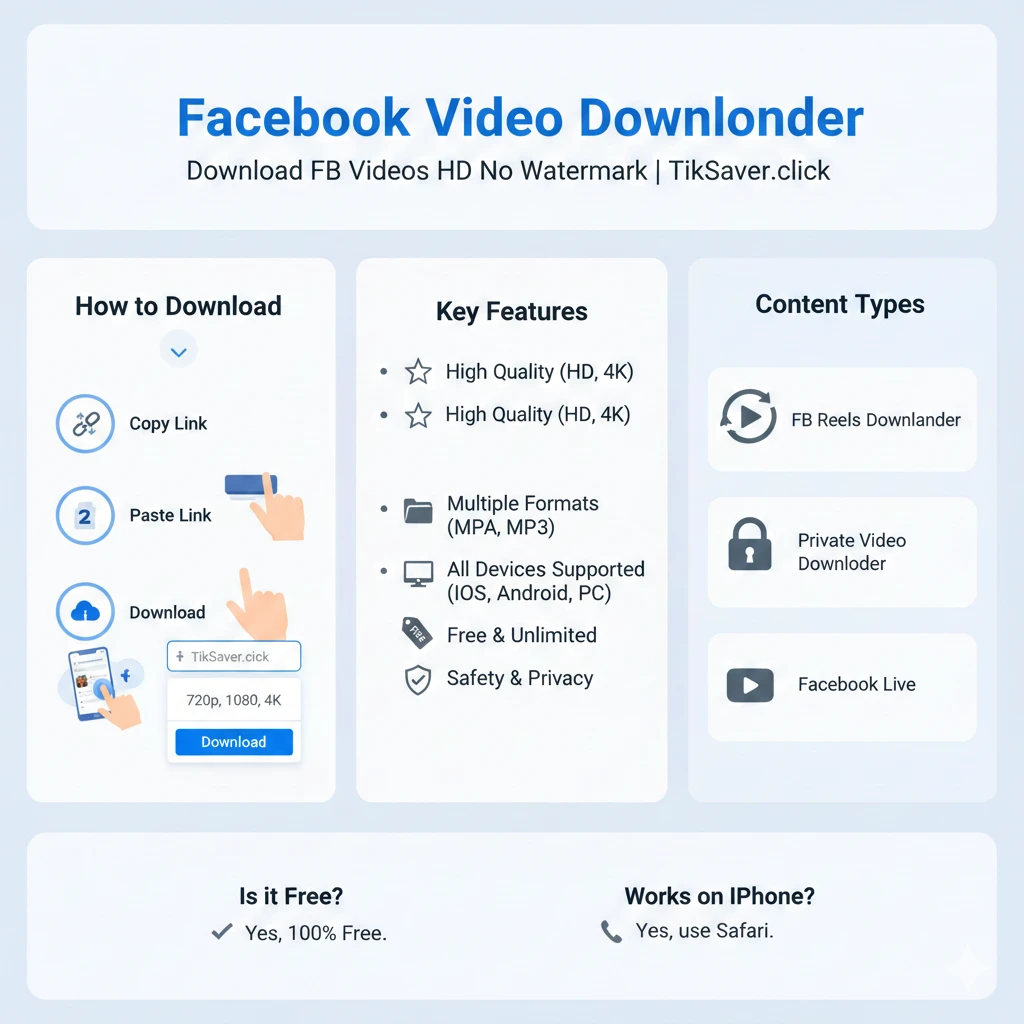
Key Features of TikSaver Facebook Downloader
- High Quality: Supports downloading videos in SD, HD, Full HD, 2K, and 4K with original sound.
- Multiple Formats: Convert Facebook videos to MP4 or extract audio to MP3 easily.
- All Devices Supported: Works perfectly on Chrome, Safari, Firefox on Android, iOS (iPhone/iPad), Windows, and MacOS.
- Free & Unlimited: You don't need to pay or register an account. Download as many videos as you want.
- Safety & Privacy: We do not store your videos or track your download history.
Support All Facebook Content Types
TikSaver is not just a regular downloader; it is an all-in-one tool for Facebook users:
- FB Reels Downloader: Save short videos from Facebook Reels in the highest quality without a watermark.
- Private Video Downloader: Support downloading videos from closed groups or private profiles (Requires browser login).
- Facebook Live: You can download Facebook Live videos once the stream has ended.
Frequently Asked Questions (FAQ)
Is TikSaver Facebook Downloader free?
Yes, TikSaver is 100% free. You can download videos without paying any fees.
Where are Facebook videos saved after downloading?
Videos are usually saved in the "Downloads" folder on your computer or the "Download History" section of your mobile browser.
Do I need to install an extension or software?
No, TikSaver is a web-based tool. You only need a web browser to use our service.
Can I download Facebook videos on iPhone?
Absolutely! For iOS, you can use the Safari browser to download videos directly to your camera roll.
Explore More Tools
If you love our service, don't forget to check out our TikTok Downloader. It's the best tool to save TikTok videos without watermark in high resolution for free.
Note: This tool is not affiliated with Facebook. We only provide a service to help users download content they have the right to access for personal use.